

Network Traffic Analysis

Search for a command to run...
No comments yet. Be the first to comment.
🧩 How to Configure VoIP on a Zyxel Switch with Grandstream Phones Using a Voice VLAN In today’s networks, Voice over IP (VoIP) has become a core communication service for both businesses and labs. To ensure call quality and reduce network interferen...
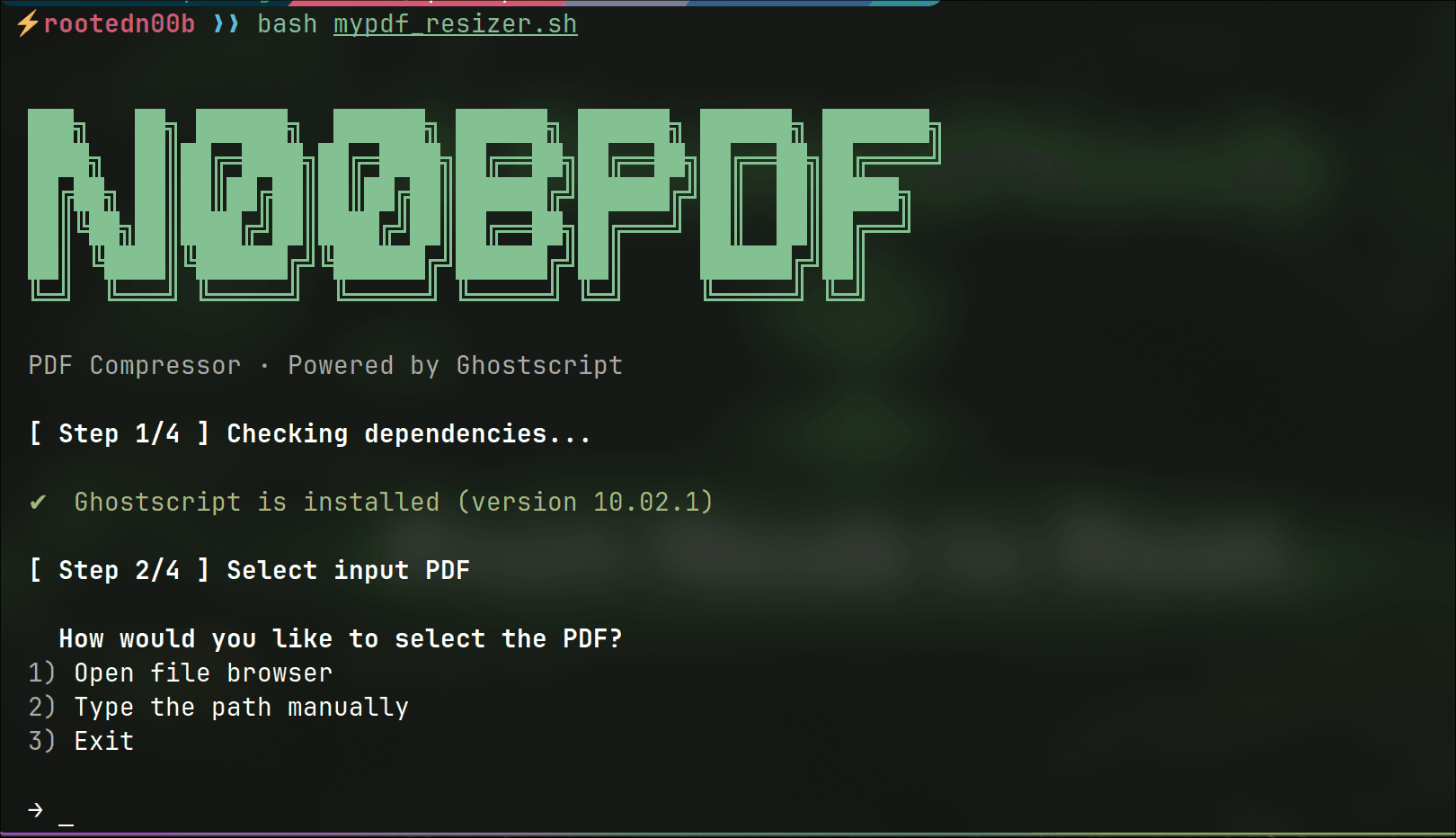
If you've ever tried to email a PDF only to get bounced back with a "file too large" error, you know the frustration. Online PDF compressors exist, but most of them upload your files to someone else's
🧩 How to Configure VoIP on a Zyxel Switch with Grandstream Phones Using a Voice VLAN In today’s networks, Voice over IP (VoIP) has become a core communication service for both businesses and labs. To ensure call quality and reduce network interferen...

A Quick Thank You Before diving in, a huge thanks to the offensive security community — from the creators of tools and labs to everyone sharing knowledge daily. Without this spirit of collaboration, many of us wouldn’t have learned how deep and fasci...

Imagine popping open a fresh, fully-configured pentest environment in seconds — with every tool you need, zero dependency hell, and the confidence that your host stays clean. That’s the promise Exegol delivers: not another clunky distro to install an...

Every system tells a story.
Not in logs.
Not in dashboards.
But on the wire.
Every login, every file transfer, every scan, every misconfiguration — legitimate or malicious — becomes network traffic. Most people never look at it. The few who do gain something powerful: clarity.
Network traffic analysis is one of those rare skills that quietly separates average professionals from dangerous ones. It is the common ground where IT technicians troubleshoot outages, network engineers validate designs, defenders detect intrusions, and pentesters map attack paths. Different missions — same packets.
Attackers don’t guess. Defenders don’t rely on luck.
They observe, capture, filter, and understand what is really happening between systems.
If you’ve ever wondered:
How attackers move without being noticed
Why defenders miss obvious intrusions
Why “everything looks fine” while the network is compromised
Or why good engineers naturally become strong security analysts
The answer is almost always the same: network visibility.
This article breaks down the core network traffic analysis skills, the tools and methodologies used across roles, and—most importantly—how attackers and defenders look at the same traffic in completely different ways.
Because once you can read the wire,
the network can’t lie to you anymore.
Network traffic analysis (NTA) allows professionals to:
Understand how systems really communicate
Detect misconfigurations and design flaws
Identify malicious behavior and attack paths
Validate security controls and detections
Reconstruct incidents and attack timelines
Whether you are fixing an outage or breaking into a domain, everything starts with traffic.
If you don’t understand network traffic, you are blind — no matter your role.
Before tools, before alerts, before exploits — you must understand how traffic flows.
Core concepts include:
OSI & TCP/IP models
TCP vs UDP behavior
DNS resolution process
ARP, ICMP, DHCP
Routing vs switching
VLANs & segmentation
NAT & firewall logic
TLS/SSL basics
Without this foundation, packet analysis becomes random clicking instead of analysis.
A skilled analyst can answer:
Who initiated the connection?
On which port and protocol?
Was the traffic encrypted?
Did the handshake succeed?
What failed — and why?
This applies equally to:
A printer not responding
Malware beaconing outbound
A reverse shell failing to connect
An authentication error in Active Directory
Packets explain everything.
Over time, professionals learn to recognize:
Normal vs abnormal traffic
Human vs automated behavior
Beaconing patterns
Scanning activity
Lateral movement indicators
This skill is built through repetition and exposure, not theory alone.
| Tool | Purpose |
| Wireshark | Deep packet inspection |
| tcpdump / tshark | Command-line packet capture |
| netstat / ss | Connection visibility |
| nmap | Traffic generation & scanning |
| Firewall logs | Traffic allow/deny decisions |
| SPAN / TAP | Traffic mirroring |
| Tool | Purpose |
| Zeek (Bro) | Protocol-level traffic analysis |
| Suricata / Snort | IDS / IPS detection |
| SIEM | Log and traffic correlation |
| NetFlow / IPFIX | Traffic metadata |
| EDR network telemetry | Endpoint network visibility |
| Tool | Purpose |
| Wireshark / tcpdump | Payload & protocol analysis |
| Responder | LLMNR / NBNS poisoning |
| Impacket | SMB / Kerberos interaction |
| C2 frameworks | Beacon & channel analysis |
| Proxychains / Burp | Traffic interception |
Attackers and defenders often use the same tools — only the intent differs.
This methodology applies to both offense and defense.
What traffic can I see? From where?
What does normal look like?
Reduce noise by protocol, IP, port, or time.
Network data alone is never enough.
Why does this traffic exist?
Block, alert, fix, exploit, pivot.

Attackers see traffic as opportunity.
They look for:
Clear-text credentials
Weak or legacy protocols
Misconfigured services
Trust relationships
Internal visibility after compromise
“What can this traffic reveal about the environment?”
Examples:
DNS leaks internal domain structure
SMB traffic exposes Active Directory design
Kerberos errors reveal privilege boundaries
ICMP maps reachable networks
Firewall rules expose segmentation flaws
Traffic guides stealth, persistence, and lateral movement.
Defenders see traffic as evidence.
They look for:
Deviations from baseline
Unauthorized protocols
Suspicious destinations
Beaconing behavior
East-west movement
“What does not belong here?”
Examples:
Workstations talking SMB to each other
DNS tunneling patterns
Long-lived outbound connections
Rare or suspicious user agents
Authentication outside business hours
Traffic tells the truth — if you know how to read it.
For IT and network engineers, traffic analysis is about reliability and stability.
They analyze:
Packet loss
Latency and jitter
MTU mismatches
Routing issues
Firewall misconfigurations
Many security incidents are discovered during troubleshooting, not hunting.
Strong engineers naturally become strong defenders.
Jumping to tools without understanding protocols
Ignoring encrypted traffic metadata
Analyzing packets without context
Failing to establish a baseline
Treating NTA as “security-only”
Analyze traffic in your own lab
Capture normal and broken scenarios
Observe:
AD logins
File transfers
VPN connections
Malware simulations
Compare normal vs attack traffic
Write short analysis reports
Network traffic analysis is not role-specific.
It is a core technical skill.
IT technicians use it to fix
Network engineers use it to design
Defenders use it to detect
Pentesters use it to exploit
The packets never lie.
Only your interpretation can.